Email scams have become one of the most common cyber threats in Kenya, targeting both individuals and businesses. Attackers use convincing messages pretending to be banks, delivery companies, government offices, or even co-workers. Their goal is simple: trick you into revealing personal information, clicking a harmful link, or paying money to a fake account. Many victims lose money because they react quickly without verifying the sender.
Understanding how scammers operate is the first step to staying safe. This guide explains how to identify fake emails, avoid common traps, and protect your accounts from unauthorised access. With a few smart habits, you can prevent email scams and keep your data secure.
Why Email Scams Are on the Rise
Email remains one of the most widely used communication tools in Kenya. Scammers take advantage of this because emails are cheap to send and easy to disguise. They use emotional triggers, urgency, and fear to push people into making quick decisions.
Common reasons email scams keep increasing include:
- Growing online transactions
- Limited cybersecurity awareness
- Use of weak passwords
- Reusing the same password on multiple accounts
- Fake business emails that look real
- Poor email verification habits
- Increase in remote work environments
One wrong click can cause serious financial or data loss.
Common Types of Email Scams
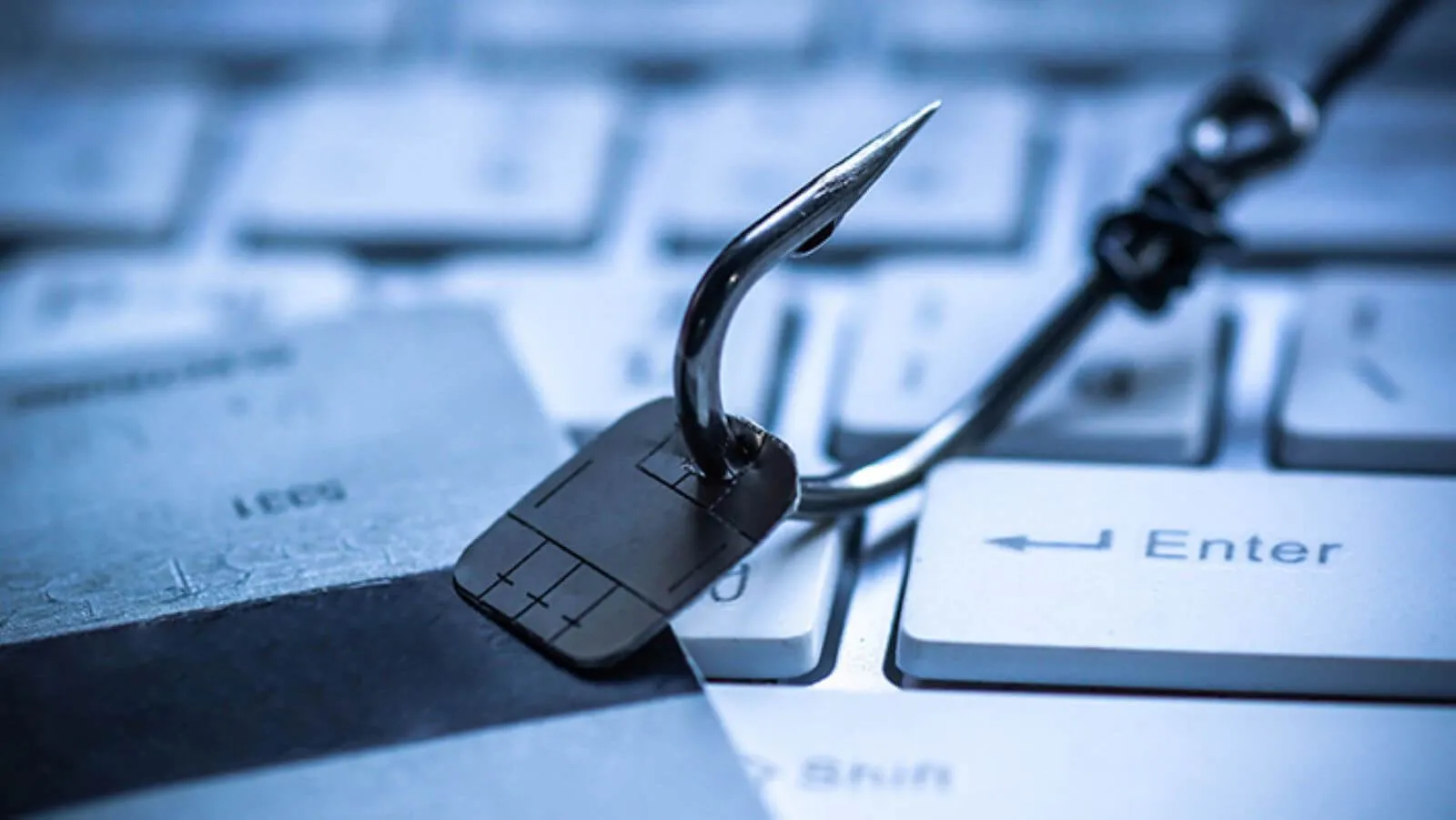
Phishing Emails
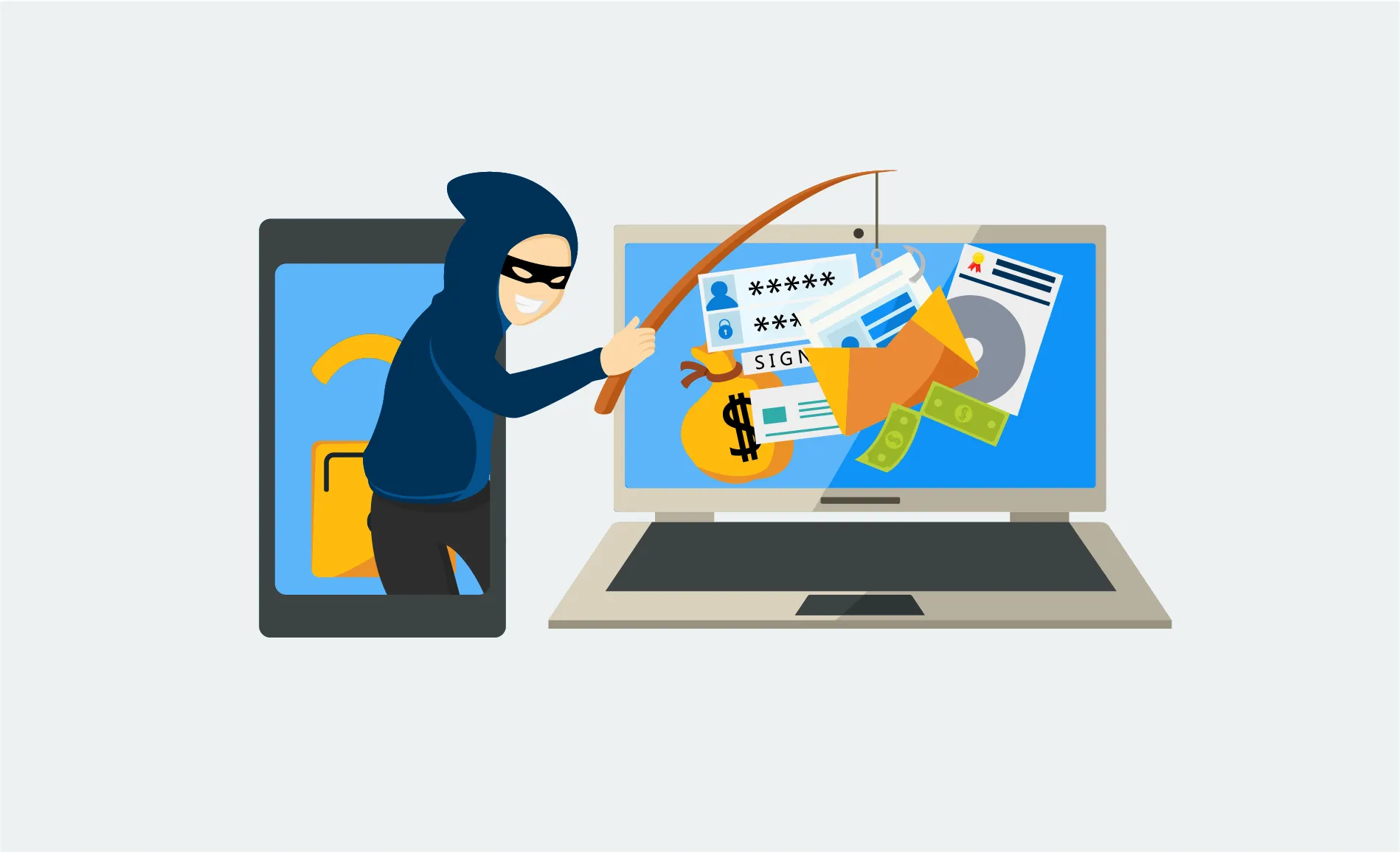
These emails trick you into clicking harmful links or sharing login details. They often look like messages from banks, e-commerce stores, or mobile money providers.
Fake Invoices and Payment Requests
Businesses are commonly targeted with emails requesting urgent payment. Scammers impersonate suppliers, finance managers, or clients.
Lottery and Reward Scams
Victims receive emails claiming they have won money or gifts. The scammer then asks for “processing fees.”
Account Suspension Messages
Emails claim your account will be closed unless you update your information immediately. Their goal is to steal your login credentials.
Malware Attachments
Attackers send infected files disguised as receipts, CVs, quotations, or delivery notes. Opening the file installs harmful programs.
How to Recognize a Scam Email
Here are the most common red flags:
- Urgent or threatening tone
- Unknown senders
- Poor grammar or spelling mistakes
- Email addresses that look strange or unofficial
- Suspicious attachments
- Requests for personal or financial information
- Links that don’t match the official website
- Offers that seem too good to be true
Whenever something feels “off,” don’t click or reply.
How to Prevent Email Scams
These practical tips will help you stay safe, whether you’re using email for personal or business purposes.
Verify the Sender Carefully
Check the full email address, not just the display name. Scammers often use addresses that look similar to genuine ones.
Don’t Click Suspicious Links
Hover your mouse over a link to see the real destination. If it looks unusual, don’t open it.
Use Strong, Unique Passwords
Avoid passwords based on names, birthdays, or simple patterns. Create strong combinations and use different passwords for each account.
Enable Two-Factor Authentication
Two-factor authentication adds a security layer that protects your account even if someone gets your password.
Never Share Personal Details via Email
Legitimate companies will never request your PIN, password, or sensitive information through email.
Avoid Downloading Unknown Attachments
If you receive an unexpected attachment, confirm with the sender through another channel before opening it.
Update Your Software Regularly
Updated apps, browsers, and security tools protect you from known vulnerabilities scammers often exploit.
Train Employees (For Businesses)
Most email scams succeed because someone clicked a link without thinking. Regular awareness training reduces risky mistakes.
Tools to Strengthen Email Security
Here are reliable tools you can use:
- Spam filters
- Antivirus and anti-malware software
- Email authentication tools
- Domain security tools
- Password managers
- Two-factor authentication apps
These tools make it harder for scammers to reach you.
Recommended Visuals
Suggested image files:
- email-scam-prevention-tips.png
- phishing-email-examples-kenya.png
- secure-email-practices.png
Suggested alt text:
- “How to prevent email scams with security tips”
- “Phishing email examples targeting Kenyan users”
- “Email security best practices for individuals and businesses”
Compress all images before uploading to keep your website fast.
Final Thoughts
Email scams are becoming more advanced, but with the right habits, you can protect yourself and your business. Stay alert, verify senders, avoid clicking unknown links, use strong passwords, and keep your systems updated. A few simple steps can prevent major financial and data losses.
For professional cybersecurity support or secure email setup services, reach out to Vinarq Solutions.
Call 0745108788 or request a service quote today.