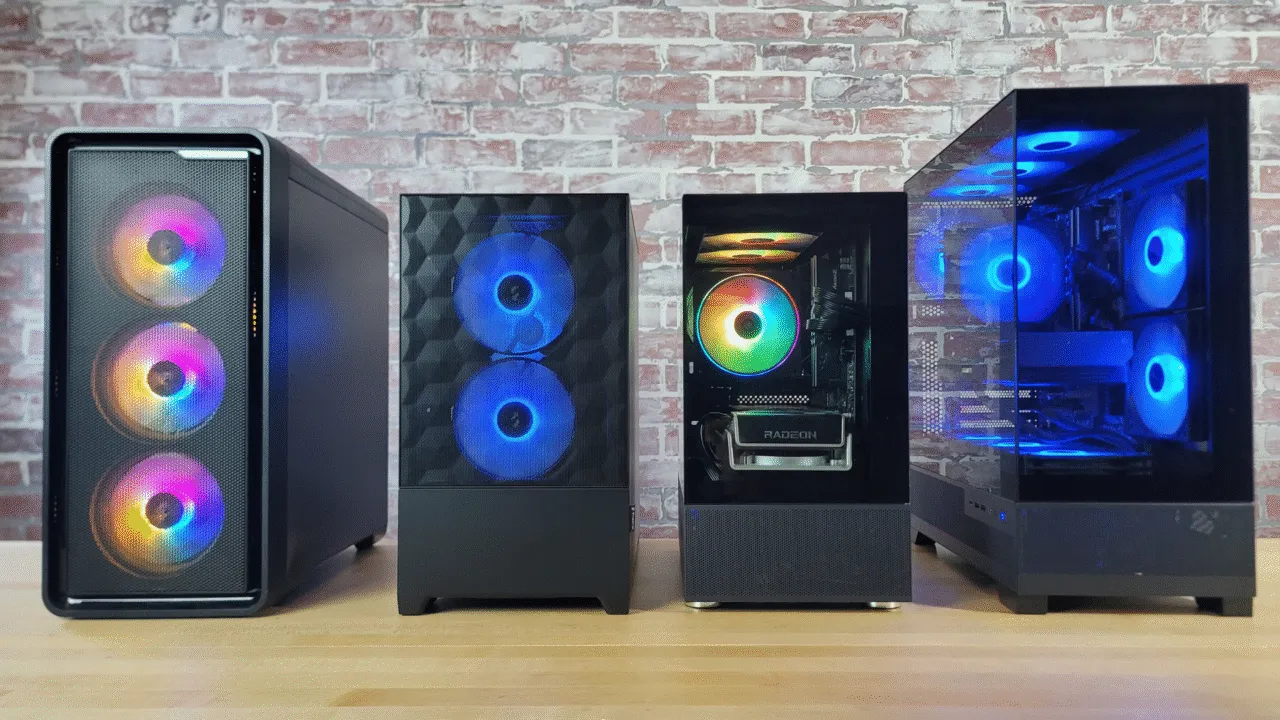
How to build a gaming PC on a budget in Kenya is a question many gamers, students, and tech enthusiasts ask. Building your own gaming PC allows you to get the performance you need without overspending, and it gives flexibility to upgrade components over time. Kenyan gamers are increasingly looking for budget-friendly setups that handle popular titles smoothly without breaking the bank.
Building a gaming PC on a budget in Kenya starts with careful planning. Identify the games you want to play, your desired resolution, and the frame rates you expect. This determines which components are essential and where you can save money.
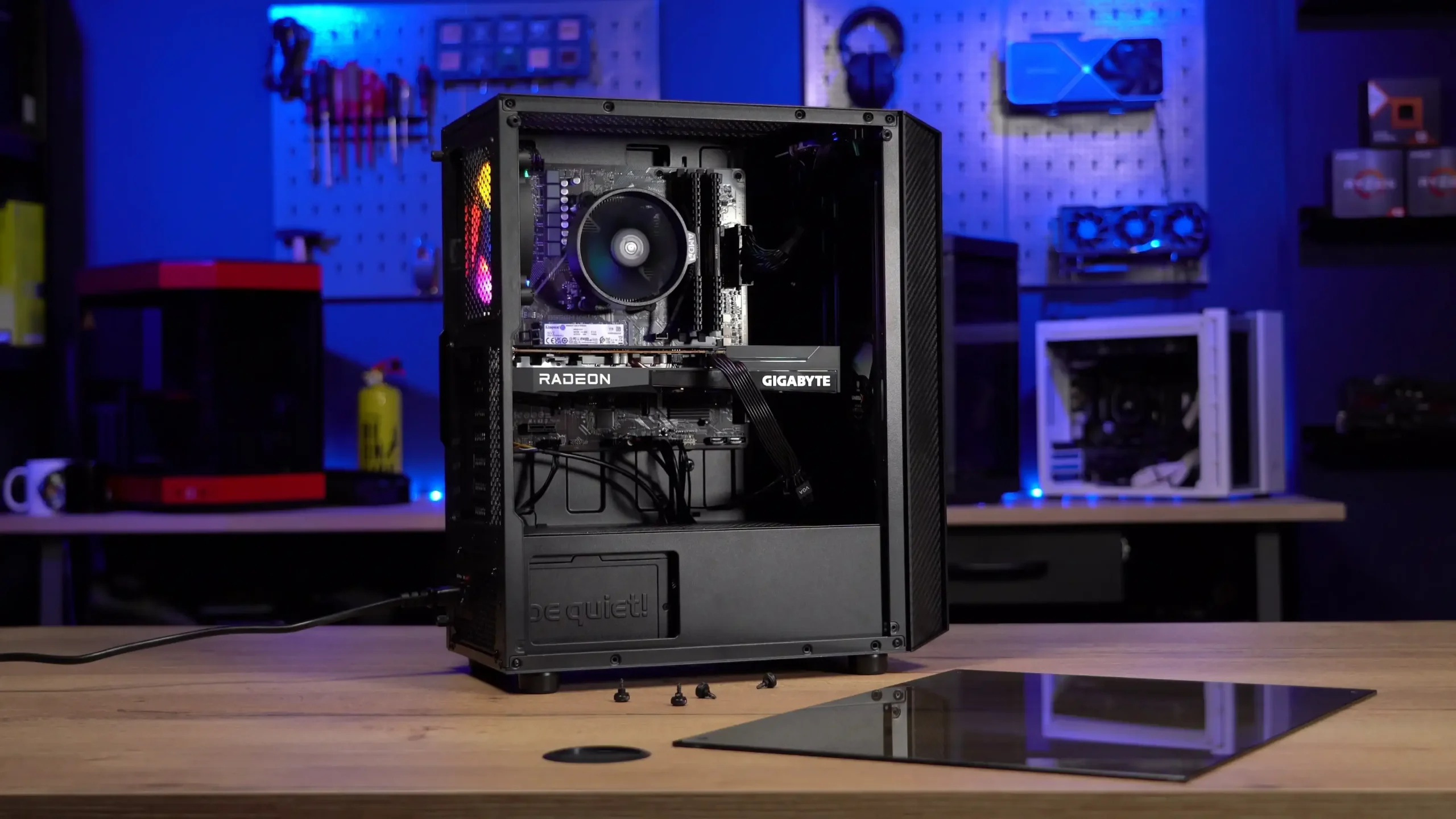
Essential Components for a Budget Gaming PC
- Processor (CPU):
A solid CPU ensures smooth gameplay. Budget-friendly options include AMD Ryzen 5 series or Intel Core i5 processors. These CPUs provide sufficient power for most modern games and multitasking. - Graphics Card (GPU):
The GPU impacts game visuals and performance. Entry-level cards like NVIDIA GTX 1650 or AMD Radeon RX 6500 XT are suitable for 1080p gaming on medium settings. Avoid overspending on high-end cards if your budget is limited. - Memory (RAM):
At least 8GB RAM is recommended for modern games, while 16GB is ideal for smoother multitasking and streaming. Faster RAM improves performance in some CPU-intensive games. - Storage:
A 256GB or 512GB SSD ensures quick loading times and responsive system performance. Pairing with a larger HDD provides additional storage for games and media files. - Motherboard:
Ensure compatibility with your CPU and RAM. Budget motherboards offer essential features without unnecessary extras. Expansion slots allow future upgrades. - Power Supply Unit (PSU):
A reliable PSU protects components from voltage fluctuations. Choose a unit with enough wattage and an 80+ certification for efficiency. - Case and Cooling:
A mid-tower case with good airflow prevents overheating. Budget gaming PCs can use stock CPU coolers initially, adding extra fans if necessary.
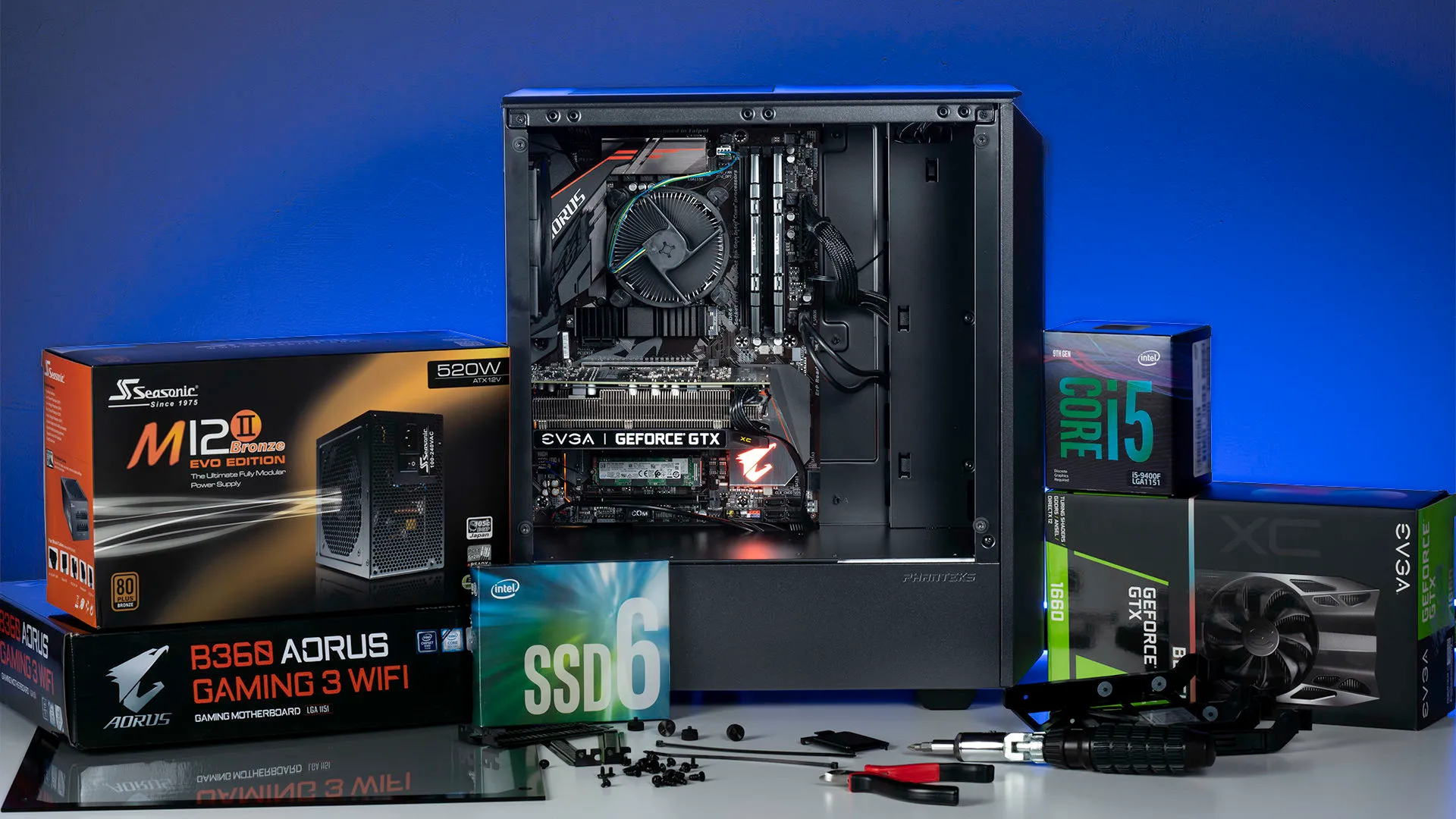
Tips to Save Money
- Consider refurbished or pre–owned GPUs and CPUs from verified suppliers.
- Buy components separately rather than pre-built systems to maximize value.
- Prioritize GPU and CPU over extra RGB lighting or premium cases.
Vinarq Solutions guides sourcing genuine components for budget gaming PCs in Kenya, helping avoid counterfeit products and ensuring warranty coverage.
Software and Setup
Install a reliable operating system, such as Windows 10 or 11, and update drivers for the GPU and motherboard. Optimizing game settings ensures smooth performance on budget hardware.
Regular maintenance, like cleaning dust from fans and checking temperatures, prolongs the lifespan of your gaming PC.
Upgrading in the Future
Building a gaming PC allows for future upgrades. Adding more RAM, upgrading the GPU, or adding faster storage extends usability without replacing the entire system. This is ideal for Kenyan gamers wanting long-term performance at a reasonable cost.
Where to Buy Components in Kenya
Sourcing verified and genuine components is crucial. Buying from trusted suppliers like Vinarq Solutions ensures you get authentic CPUs, GPUs, RAM, and power supplies with warranty support. Customers also receive expert advice on selecting parts that fit both performance needs and budget.
Conclusion
Learning how to build a gaming PC on a budget in Kenya empowers you to play popular games, stream content, and work efficiently without overspending. Focus on essential components, choose quality parts, and plan upgrades strategically.
If you are ready to build a budget-friendly gaming PC in Kenya, contact Vinarq Solutions via WhatsApp +254745108788 for expert guidance, genuine components, and reliable after-sales support. Achieve powerful gaming performance while keeping costs manageable. Invest smartly, play smoothly, and enjoy gaming without compromise.