
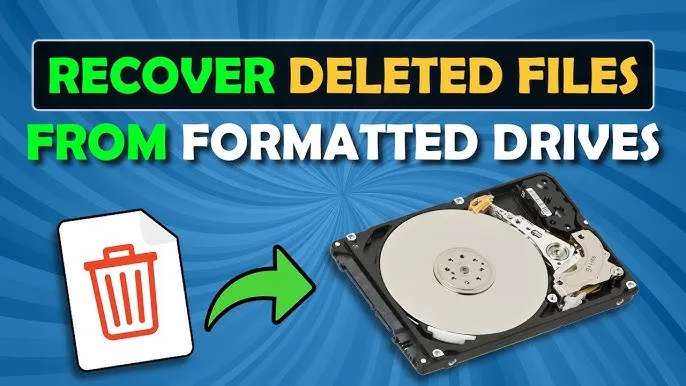
How to recover deleted files from hard drives in Kenya is a question many individuals and businesses face. Accidental deletion, formatting, virus attacks, or system crashes can lead to the loss of important documents, photos, or work files. Knowing how to recover deleted files from hard drives safely is essential for Kenyan users who depend on their data for studies, business, or personal use.
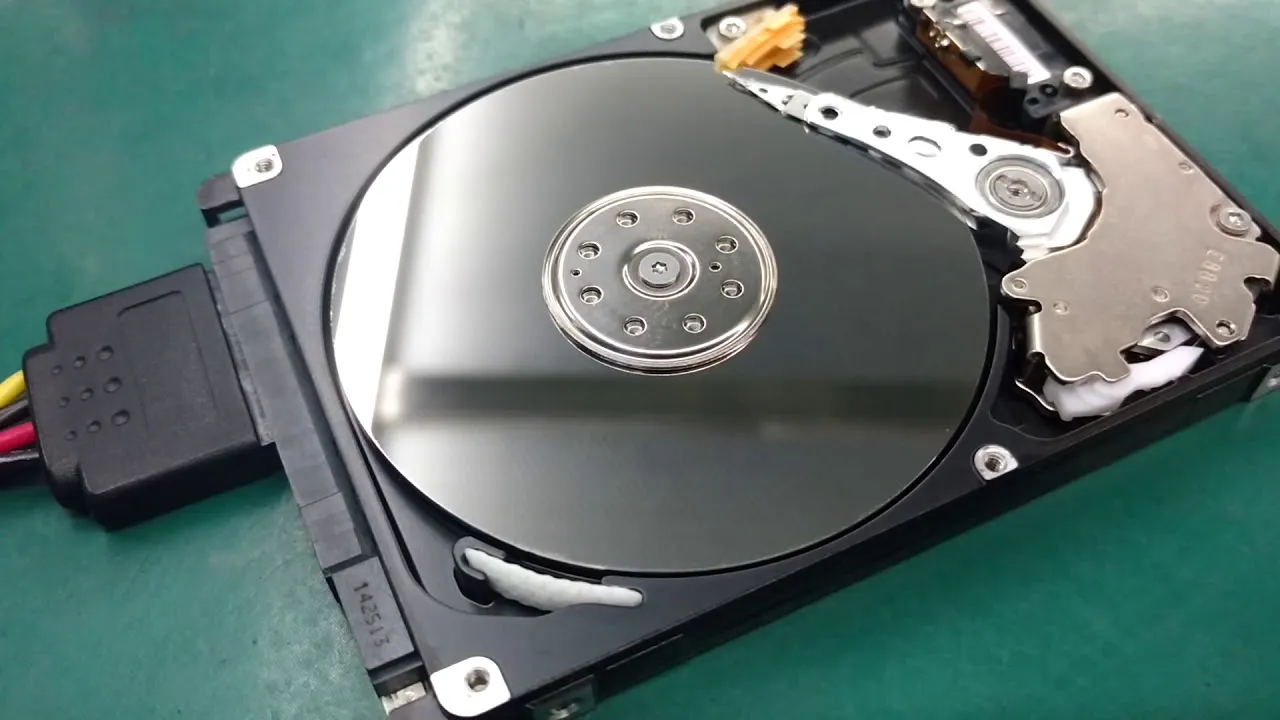
Common Causes of Data Loss
Data loss can occur due to various reasons:
- Accidental deletion: Files removed without backup.
- Formatting: Reinstalling Windows or changing partitions.
- Virus or malware: Malicious programs corrupt or erase files.
- Hardware failure: Old or damaged hard drives can fail unexpectedly.
- Software errors: System crashes or improper shutdowns.
Understanding the cause helps determine the best recovery method.
Methods to Recover Deleted Files
- Check the Recycle Bin:
Many files deleted accidentally remain in the Recycle Bin. Open the Recycle Bin and restore files easily. - Use Backup Solutions:
If you have backups via Windows File History, cloud storage, or external drives, restore your lost data from these sources. - Data Recovery Software:
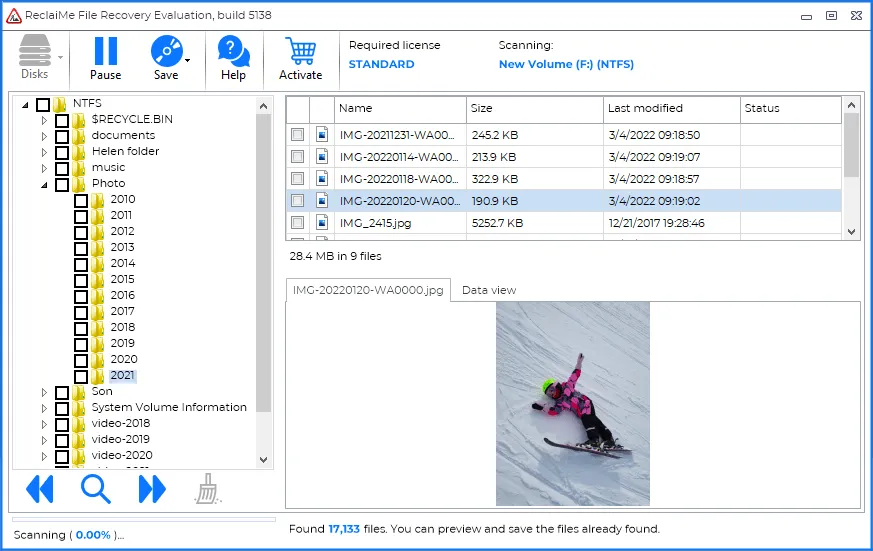
Tools like Recuva, EaseUS, or Disk Drill can scan your hard drive for recoverable files. Install software on a separate drive to avoid overwriting lost data. - Professional Data Recovery Services:
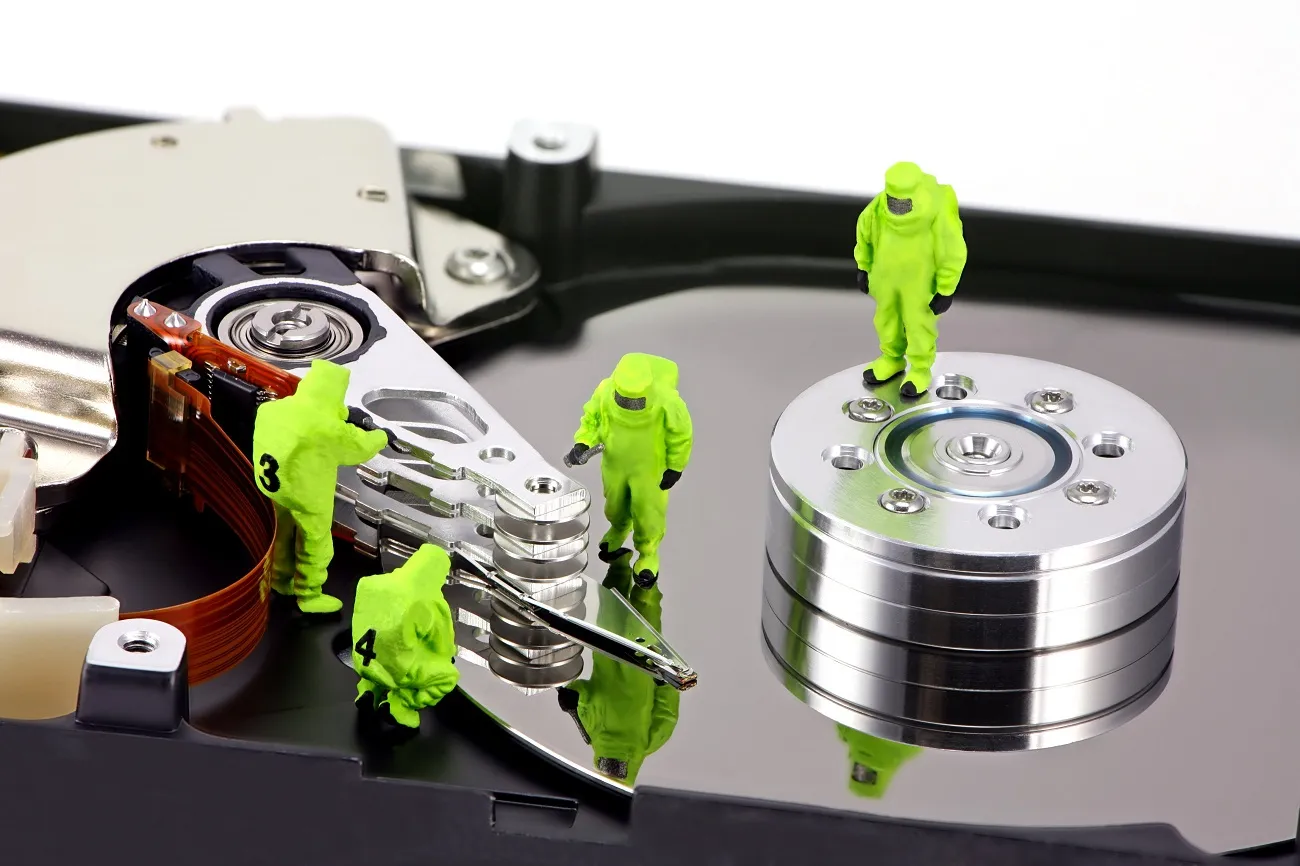
For severely corrupted drives, professional services recover data safely. Attempting DIY fixes on damaged drives can worsen the problem.
Tips for Successful Recovery
- Stop using the drive immediately after deletion to prevent overwriting files.
- Avoid installing software on the affected drive.
- Check file type support in recovery software; some tools cannot recover certain formats.
- Prioritize recovery of essential files first.
Vinarq Solutions in Nairobi provides professional data recovery services for hard drives, SSDs, and USB drives. Experts handle data loss securely, minimizing the risk of permanent loss.
Preventing Future Data Loss
- Regularly back up important files to external drives or cloud storage.
- Use antivirus software to protect against malware.
- Avoid sudden shutdowns and safely eject external drives.
- Monitor hard drive health with diagnostic tools.
Conclusion
Knowing how to recover deleted files from hard drives in Kenya is vital for students, professionals, and businesses. While software solutions work for minor deletions, professional assistance ensures safety for critical data.

If you need help recovering deleted files or want advice on securing your data, contact Vinarq Solutions via WhatsApp +254745108788. Receive expert guidance, reliable recovery services, and support to protect your valuable files. Safeguard your data. Recover files efficiently. Stay worry-free.
Leave a Comment
Your email address will not be published. Required fields are marked *