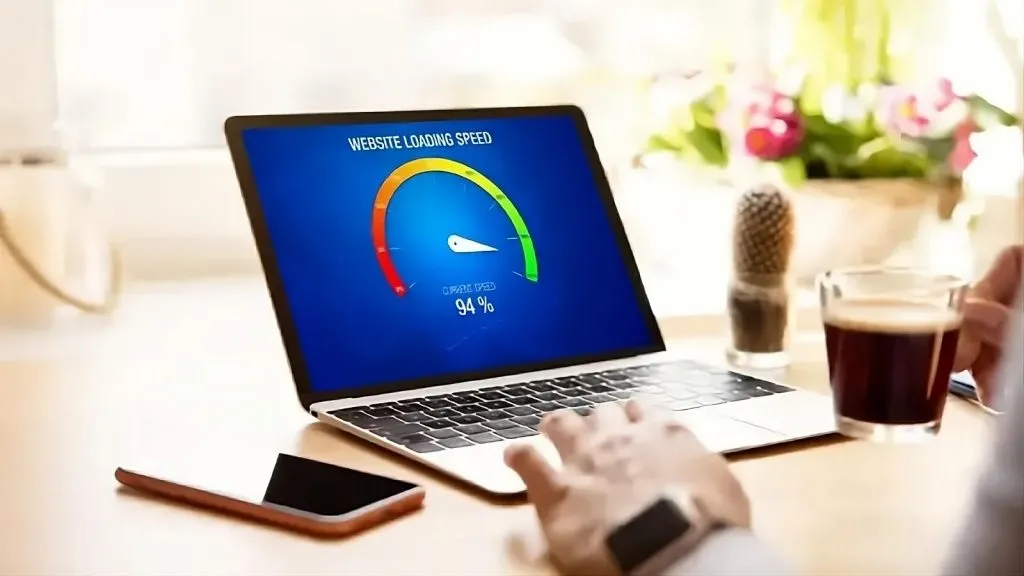
Slow websites are frustrating. They chase away visitors, hurt business credibility, and reduce conversions. Many Kenyan businesses struggle with poor loading speeds because of heavy images, cheap hosting, unoptimized plugins, and outdated site structures. If your website loads slowly, you’re not alone, and you’re about to learn how to fix it.
This guide explains practical website speed optimization tips you can apply immediately. You’ll learn what slows a site down, how to diagnose performance problems, and how to improve loading time without spending a fortune. The goal is to help your website become faster, more reliable, and more user-friendly so customers stay longer and take action.
Why Website Speed Matters
A fast website improves user experience and increases trust. Customers rarely wait more than a few seconds before abandoning a page. Google also ranks fast websites higher because they provide a better browsing experience.
A slow website affects:
- Search engine rankings
- Customer satisfaction
- Online sales and enquiries
- Bounce rates
- Brand image
When your website loads instantly, visitors engage more and convert better.
Common Reasons Your Website Is Slow
Understanding the problem helps you pick the right solution. The most common causes include:
Heavy or Uncompressed Images
Large images slow down page loading. Many websites in Kenya use high-resolution pictures without compression.
Cheap or Overloaded Hosting
Low-quality hosting leads to slow response times, especially during peak traffic periods.
Too Many Plugins
Excessive or poorly coded plugins reduce website performance.
Outdated Themes or Code
Old themes, outdated CMS versions, or unoptimized code drag down speed.
Lack of Browser Caching
Without caching, browsers must reload all resources every time.
Too Many External Scripts
Chat widgets, tracking tools, and external fonts add extra loading time.
How to Speed Up Your Website
Below are the most effective ways to improve your website’s loading speed.
Compress and Resize Images
Images take up a large portion of the page weight. Use tools like TinyPNG or image compression plugins to reduce file size. For most websites:
- Use JPEG for photographs
- Use PNG for graphics
- Use WebP for maximum optimization
Always aim for the smallest possible size without losing quality.
Choose Faster, High-Quality Hosting
Upgrading from basic shared hosting to a better package significantly boosts loading speed. Pick a hosting that offers:
- SSD storage
- Good uptime
- Optimized servers
- Enough bandwidth
Quality hosting makes a huge difference in performance.
Enable Caching
Caching stores frequently used resources so your website loads faster for returning visitors. Options include:
- Browser caching
- Server caching
- Plugin-based caching
This reduces server load and improves speed instantly.
Minify CSS, HTML, and JavaScript
Minification removes unnecessary characters and spaces from code files. This reduces file size and loads the website faster. Most speed optimization plugins can do this automatically.
Use a Content Delivery Network (CDN)
A CDN stores your website files on servers around the world and loads content from the closest one. This reduces loading time for all users, especially those outside Kenya.
Remove Unnecessary Plugins
Delete plugins you don’t use. Replace heavy plugins with lightweight alternatives and ensure all active plugins are updated.
Too many plugins = slow website.
Optimize Your Website’s Theme
Choose a clean, lightweight theme. Heavy themes with unnecessary animations slow performance. If your website is custom-built, ensure the code is optimized.
Reduce External Scripts
Limit the number of:
- Pop-ups
- Tracking codes
- Chat widgets
- External font libraries
Each external script adds loading time.
Use Lazy Loading for Images and Videos
Lazy loading ensures media loads only when the user scrolls to it, greatly improving initial loading speed.
Keep Your Website Updated
Always update your CMS (WordPress, Joomla, etc.), theme, and plugins. Updates include performance improvements and faster code.
Tools to Check Your Website Speed
Here are reliable tools for testing your site performance:
- Google PageSpeed Insights
- GTmetrix
- Pingdom Website Speed Test
These tools show what slows your site down and how to fix it.
Recommended Visuals
Suggested images:
- website-speed-optimization-tools.png
- fast-loading–website-kenya.png
- website-performance-tips.png
Suggested alt text:
- “Website speed optimisation tools in Kenya”
- “How to speed up a website for faster loading”
- “Website performance improvement tips for Kenyan businesses”
Compress images before uploading to keep the site lightweight.
What a Faster Website Does for Your Business
Improving your site speed boosts:
- Search rankings
- Customer trust
- Engagement
- Sales and enquiries
- Mobile usability
In Kenya’s competitive digital space, a fast website gives your business a strong advantage.
Final Thoughts
A slow website is not a permanent problem. With the right optimization steps, any website can become fast, responsive, and user-friendly. Start by fixing images, improving hosting, enabling caching, and removing heavy scripts. Small improvements create big differences in performance.
To get professional website speed optimisation or a complete website upgrade, contact Vinarq Solutions.
Call 0745108788 or request a service quote today.