A beginner’s guide to networking and routers in Kenya is essential for students, small businesses, and home users who want reliable internet connections. Understanding routers, Wi-Fi, and basic networking concepts helps you set up secure, fast, and stable networks for work, gaming, or online learning.
Why Networking Knowledge Matters
Many Kenyan households and offices face slow internet, unstable connections, or Wi-Fi dead zones. Learning networking basics enables you to:
- Set up home or office networks efficiently.
- Secure your network from unauthorized access.
- Troubleshoot connectivity issues quickly.
- Optimize router placement for better signal strength.
Understanding Routers and Networks
1. What is a Router?
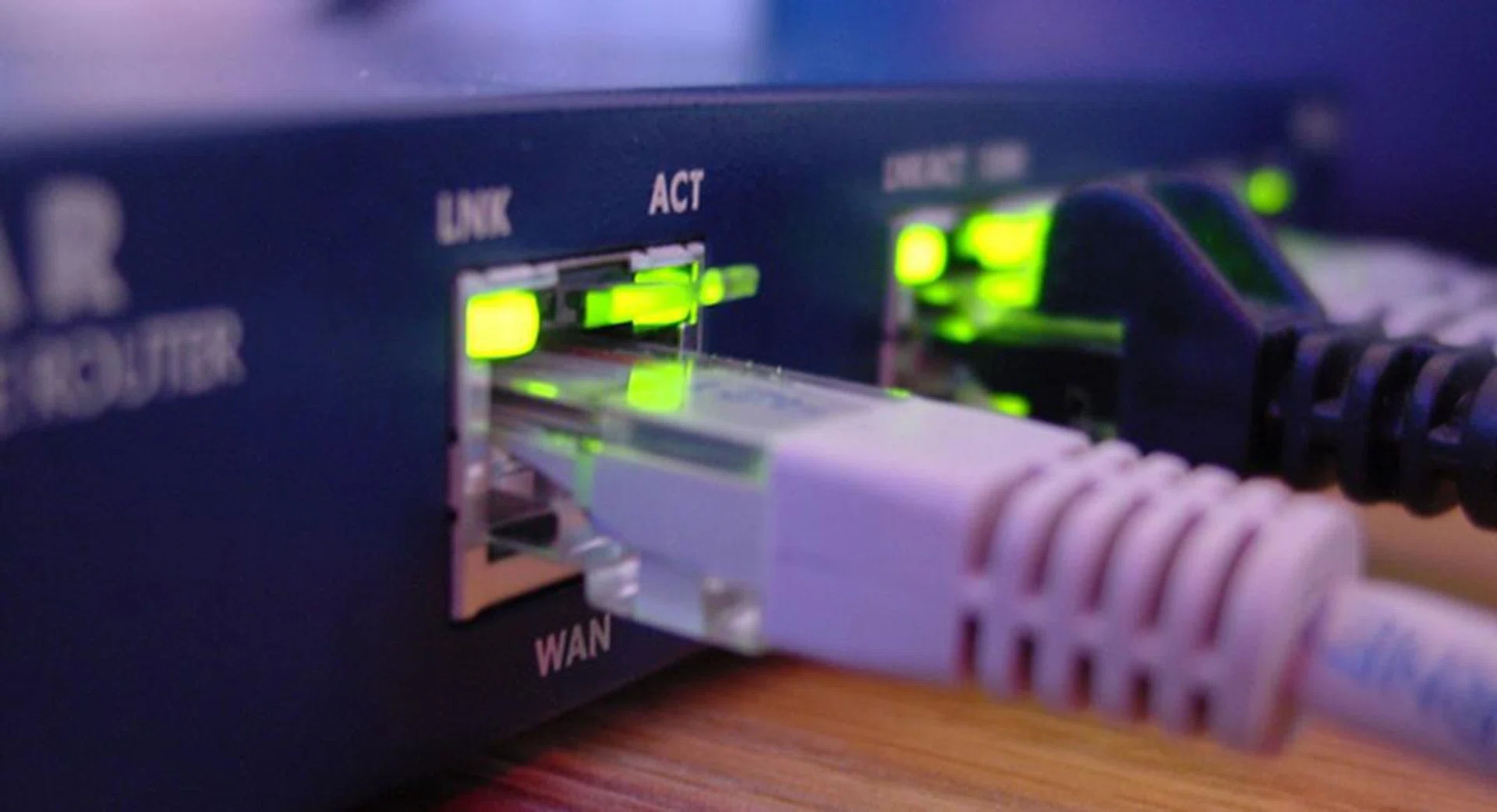
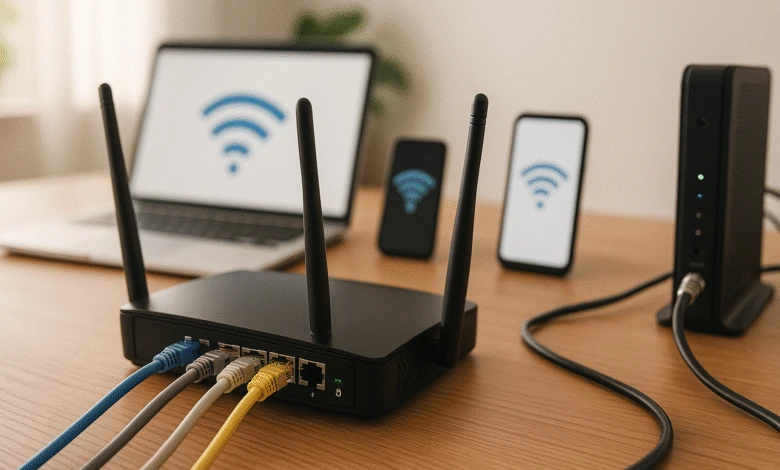
A router connects multiple devices to the internet. It assigns IP addresses, manages data flow, and provides Wi-Fi access. Modern routers include features like parental controls, guest networks, and firewall protection.
2. Types of Networks
- LAN (Local Area Network): Connects devices within a home or office.
- WAN (Wide Area Network): Connects local networks to the Internet.
- Wi-Fi: Wireless LAN providing internet access without cables.
3. Key Networking Components
- Modem: Connects to your ISP for internet access.
- Router: Distributes the internet to devices.
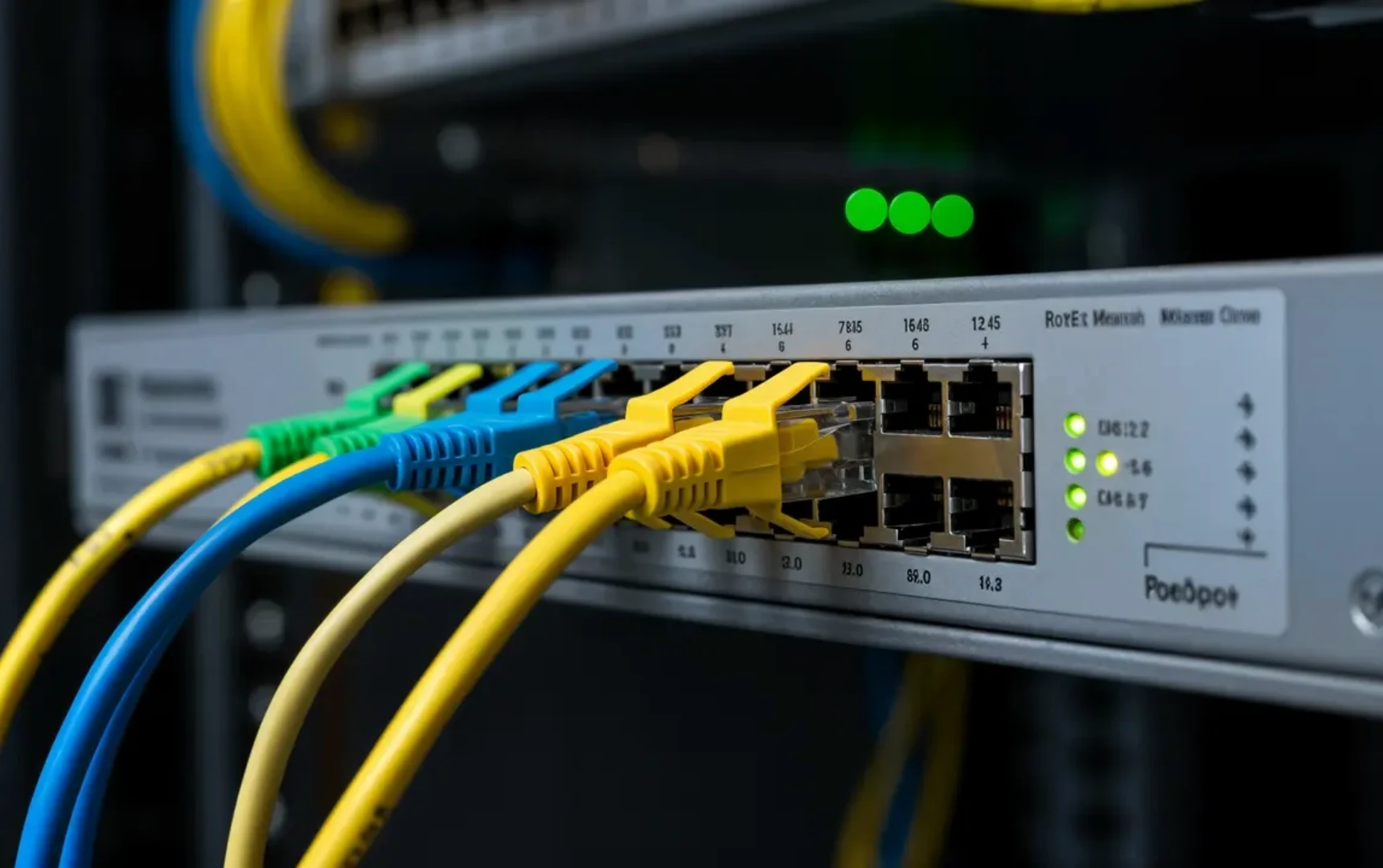
- Switch: Expands wired connections in offices.
- Cables: Ethernet cables connect devices for stable performance.
Setting Up a Router in Kenya
Step 1: Connect Your Modem
- Plug the modem into your internet source.
- Connect the router’s WAN port to the modem.
- Power on both devices.
Step 2: Configure Router Settings
- Access the router interface via a browser using the default IP (e.g., 192.168.1.1).
- Change the default admin password for security.
- Set up Wi–Fi name (SSID) and a strong password.
Step 3: Optimize Placement
- Place the router centrally in your home or office.
- Avoid walls, metal objects, and electronic interference.
- Elevate the router for better coverage.
Step 4: Test Connectivity
- Connect devices via Wi-Fi or Ethernet.
- Test speed using online tools to confirm performance.
Tips for Kenyan Users
- Regularly update firmware for security and stability.
- Use strong passwords to prevent unauthorized access.
- Enable guest networks for visitors.
- Consider Wi-Fi extenders for large homes or offices.
Vinarq Solutions Support
Vinarq Solutions in Nairobi helps beginners set up home and office networks. We provide guidance on routers, network security, troubleshooting, and optimization. Our team ensures stable internet connections across Kenya.
Conclusion
Understanding networking and routers in Kenya is crucial for fast, reliable internet. Proper setup, security measures, and optimization improve performance for work, gaming, and online learning.
For professional networking setup and router guidance in Kenya, contact Vinarq Solutions via WhatsApp +254745108788. Get your network running smoothly today.