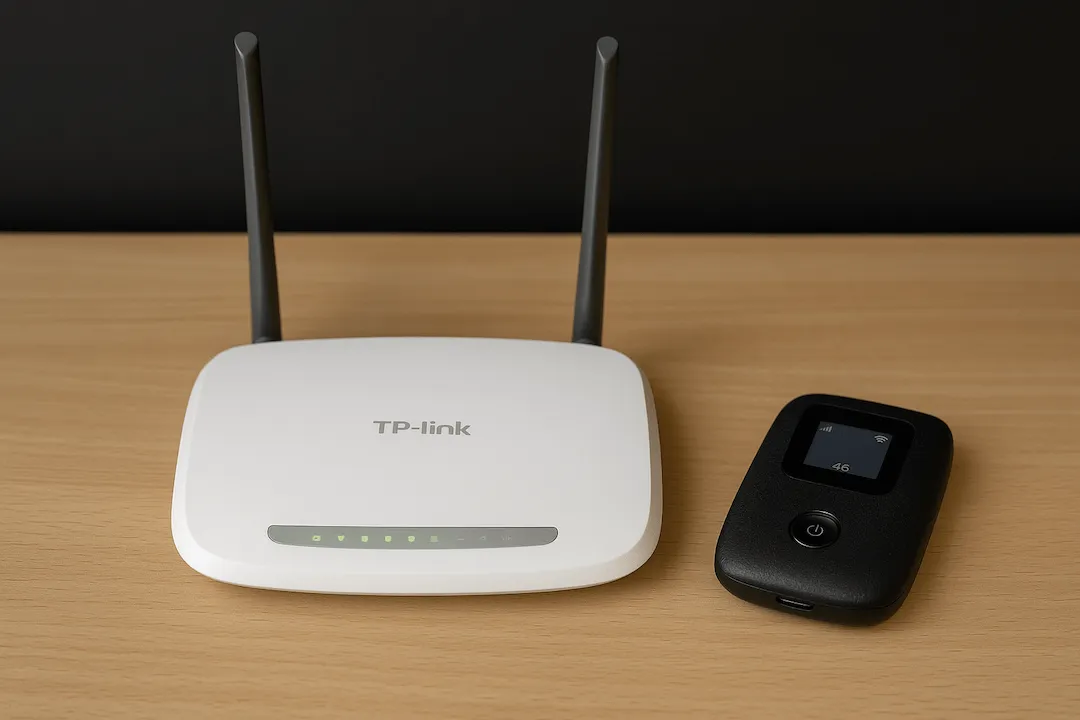
TP-Link router setup guide Kenya is one of the most searched topics by home users and small businesses looking to enjoy stable and fast internet connectivity. TP-Link router setup guide Kenya helps new internet users correctly install, configure, and secure their Wi-Fi networks for reliable performance across homes and offices.
Internet usage in Kenya has increased rapidly. Homes now connect smart TVs, smartphones, laptops, CCTV systems, and gaming devices simultaneously. Without proper router setup, internet speeds drop, connections become unstable, and coverage weakens across rooms. Many users purchase good routers but fail to configure them correctly. Proper setup ensures maximum speed, stronger signal coverage, and better network security.
Understanding TP-Link Routers Before Setup
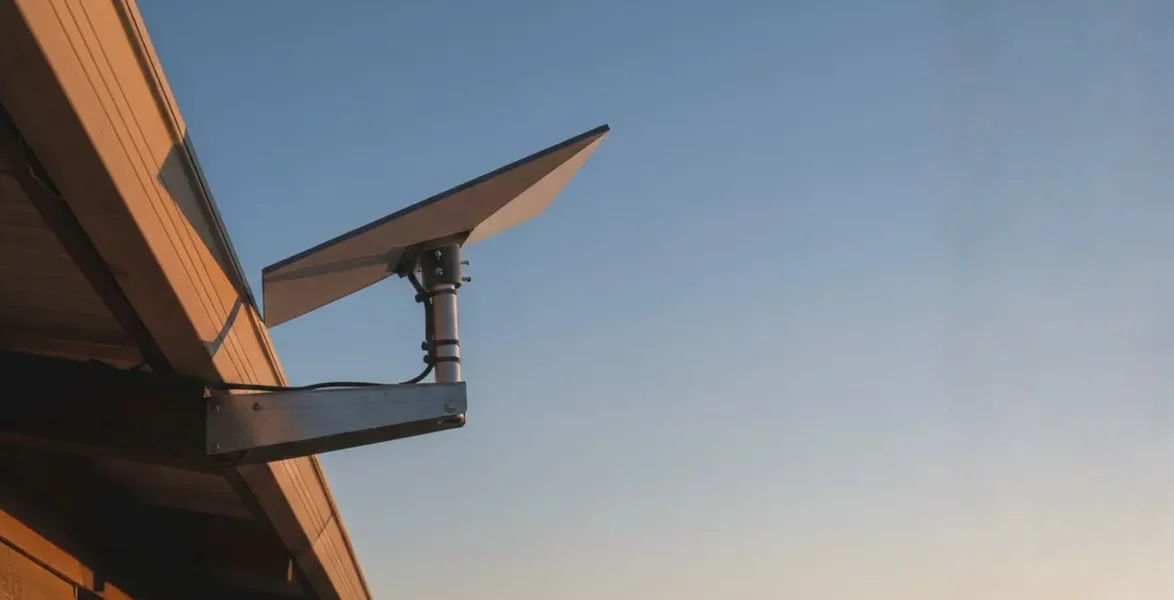
TP-Link routers are popular in Kenya because they are affordable, reliable, and easy to manage. They support both home and office internet connections, including fiber, wireless broadband, and Starlink installations. A router works as the central distribution point of internet connectivity. It receives internet from your service provider and distributes it wirelessly or through network cables.
Incorrect configuration often causes slow browsing, buffering videos, or random disconnections. Understanding basic setup steps prevents these problems. Most TP-Link routers include dual-band technology. This allows devices to connect using either 2.4GHz or 5GHz Wi-Fi frequencies. The 2.4GHz band covers longer distances. The 5GHz band delivers faster speeds for nearby devices. Choosing the correct band improves overall internet performance.
Step-by-Step TP-Link Router Setup in Kenya
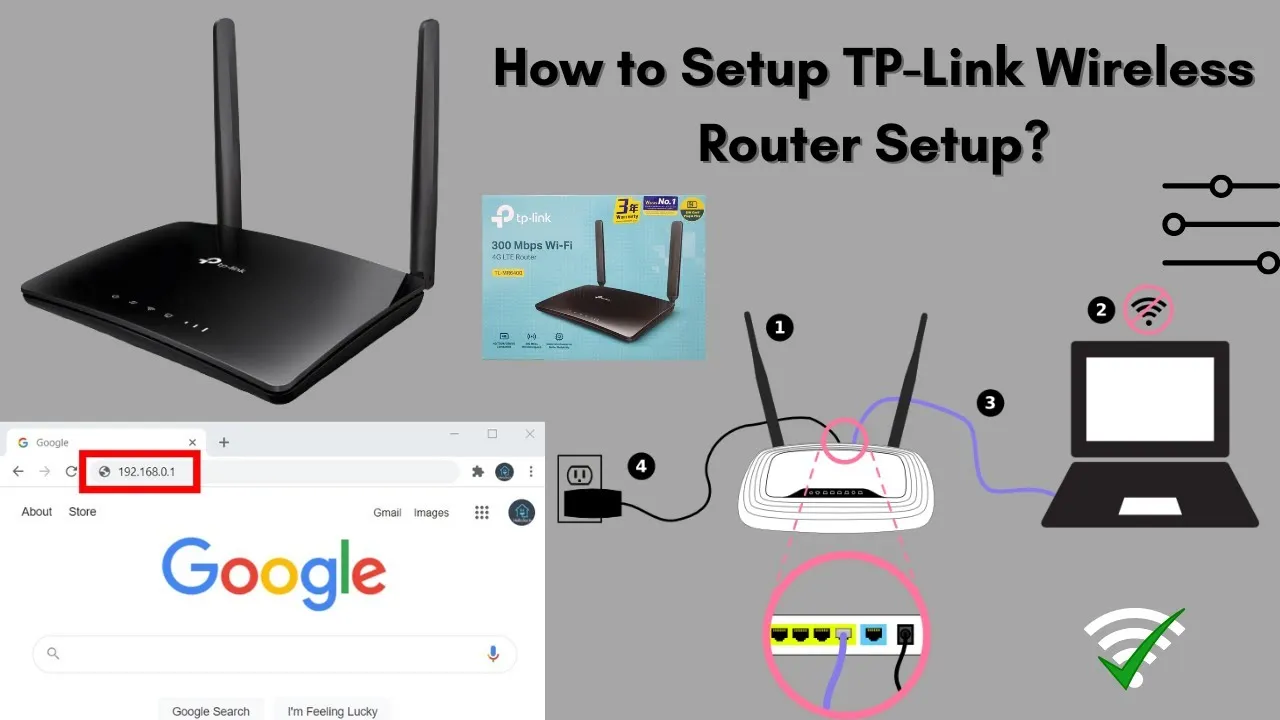
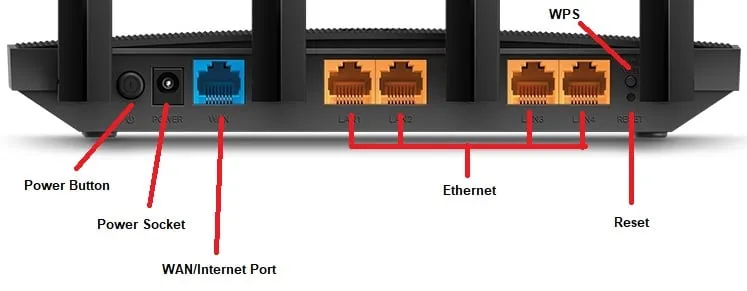
Setting up a TP-Link router is straightforward when done correctly. First, connect the router to power using the supplied adapter. Ensure stable electricity before proceeding. Next, connect the internet cable from your modem or fiber ONT to the WAN port of the router. This port is usually colored differently from LAN ports.
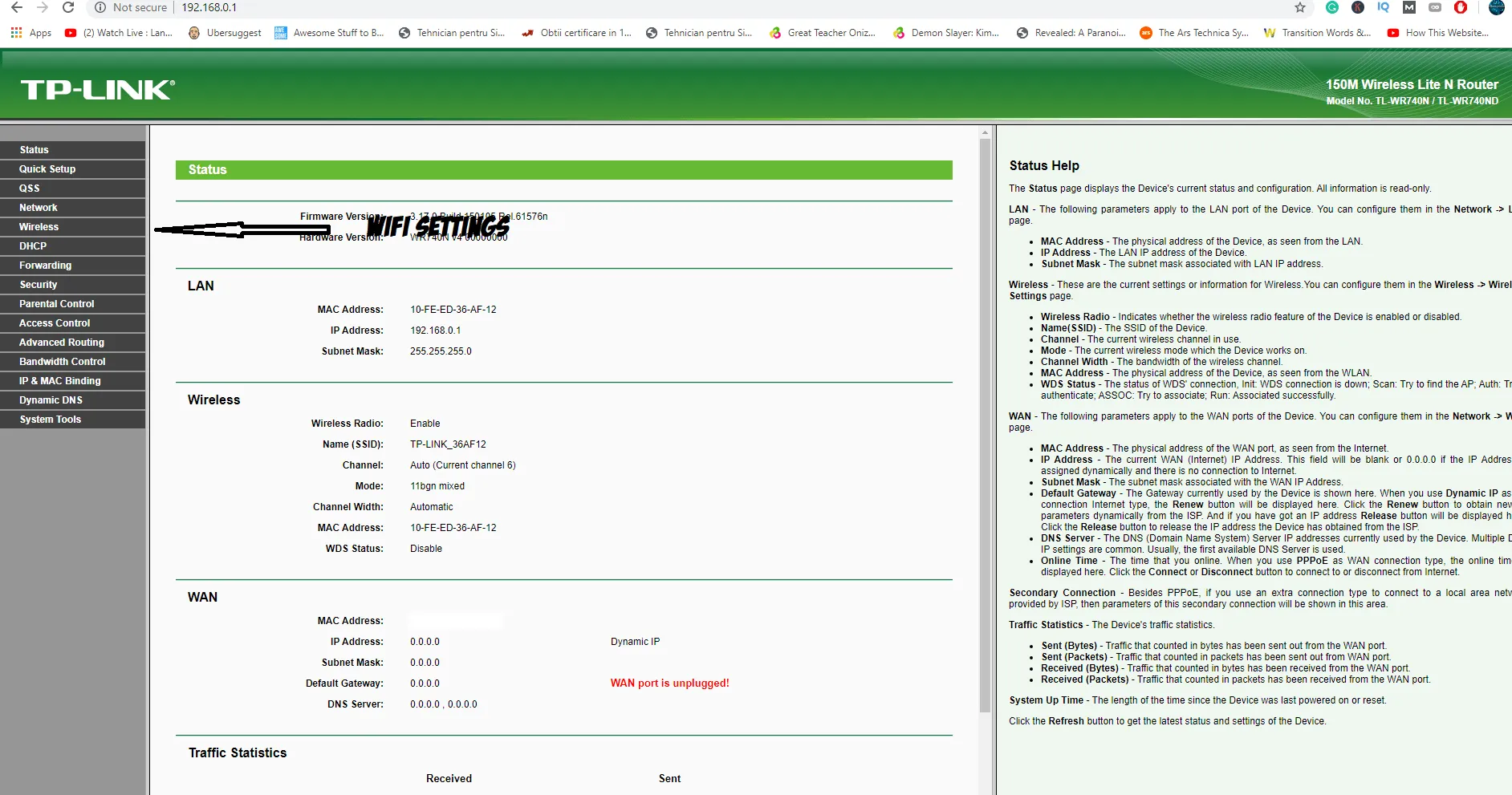
Using a laptop or smartphone, connect to the router’s default Wi-Fi network printed underneath the device. Open a browser and type the router login address. Common addresses include 192.168.0.1 or 192.168.1.1. Create a secure administrator password when prompted. Avoid simple passwords.
Follow the Quick Setup wizard. Select your internet connection type provided by your ISP in Kenya. Set your Wi-Fi network name. Choose something recognizable but not personal. Create a strong Wi-Fi password combining letters and numbers. Save settings and allow the router to reboot automatically. Your internet connection should now be active.
Optimizing Wi-Fi Performance at Home
Proper placement greatly affects signal strength. Many users install routers in corners or behind furniture, reducing coverage. Place the router centrally within the house. Elevate it slightly above floor level for better signal distribution. Avoid placing routers near microwaves or thick concrete walls. These interfere with wireless signals.
Homes in Nairobi apartments often experience signal congestion. Switching between Wi-Fi channels helps reduce interference from neighboring networks. Modern TP-Link routers allow automatic channel optimization through settings. Updating router firmware also improves stability and security. Vinarq Solutions assists customers in optimizing router performance for Kenyan home environments.
Securing Your TP-Link Wi-Fi Network
Network security is extremely important today. Unsecured networks allow unauthorized users to consume bandwidth or access private data. Always change default login credentials immediately after setup. Enable WPA2 or WPA3 wireless encryption for stronger protection.
Disable remote management unless necessary. Create guest networks for visitors instead of sharing your main password. Regularly check connected devices through the router dashboard. These simple measures prevent bandwidth theft and improve browsing speeds.
TP-Link Router Setup for Small Offices in Kenya
Small businesses rely heavily on a stable internet for operations such as accounting systems, cloud storage, communication platforms, and surveillance systems. Office setups may require connecting multiple wired devices like desktop computers, printers, and network switches. Using Ethernet cables improves stability for workstations.
Dual-band routers help distribute traffic efficiently between staff devices. Businesses may also install access points to extend coverage across larger offices. Vinarq Solutions provides professional router setup support for offices requiring optimized networking solutions.
Common TP-Link Router Problems and Solutions
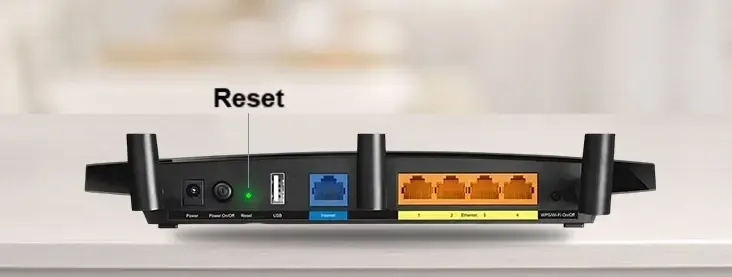
Some users experience internet issues after installation. Most problems are easy to resolve. Slow speeds often result from outdated firmware or incorrect placement. Frequent disconnections may occur due to overheating. Ensure adequate ventilation around the router. Forgotten passwords can be resolved through a factory reset using the reset button. Weak signals in large houses may require Wi-Fi extenders or mesh systems. Understanding these solutions reduces downtime significantly.
Expanding Wi-Fi Coverage in Kenyan Homes
Modern homes require internet access in every room. Dead zones frustrate users trying to stream or attend online meetings. Wi-Fi extenders increase signal reach without replacing the main router. Access points provide professional-grade coverage for larger buildings. Mesh Wi-Fi systems create seamless connectivity without signal drops when moving between rooms. Correct expansion solutions depend on building layout and usage needs. Vinarq Solutions helps customers determine the best networking equipment based on coverage requirements.
Importance of Professional Router Installation
While many users attempt self-installation, professional setup ensures optimal performance from the beginning. Technicians analyze signal interference, device load, and network layout before configuration. Proper cable management and security setup protect long-term network stability. Businesses especially benefit from structured networking installations. Reliable internet improves productivity, entertainment, and communication.
Growing Internet Demand in Kenya
Kenya continues experiencing rapid digital transformation. Remote work, online education, streaming services, and smart home technology depend on stable internet connections. Correct router setup directly impacts user experience. A well-configured TP-Link router delivers fast browsing, stable video calls, and uninterrupted streaming.
Investing time in a proper setup eliminates future connectivity frustrations. Vinarq Solutions supports homes and businesses across Kenya with genuine networking equipment and expert installation guidance.
If you are searching for a TP-Link router setup guide in Kenya or need professional router configuration assistance, expert help ensures reliable internet performance.
Contact Vinarq Solutions today via WhatsApp +254745108788 for router setup, networking accessories, and professional internet solutions tailored for Kenyan users. Strong internet begins with a correct setup.