
Guide to Setting Up CCTV Cameras for Home Security in Kenya
Setting up CCTV cameras for home security in Kenya can help you monitor your compound, identify suspicious activity, protect your property, and keep an eye on your home when you are away. However, buying cameras alone is not enough. You need the right equipment, strategic camera placement, reliable recording storage, and a setup that suits your home.
Whether you live in an apartment in Nairobi, a maisonette in Kiambu, a family home in Nakuru, or a property in another part of Kenya, a well-planned CCTV system can improve your security and give you greater peace of mind.
The best setup is not necessarily the one with the most cameras. It is the one that covers important areas clearly, records useful footage, and continues working when you need it.
Quick Summary
- Identify vulnerable entry points before buying CCTV cameras.
- Cover gates, doors, driveways, parking areas and other important locations.
- Choose between wired CCTV, Wi Fi cameras, and battery-powered cameras based on your property.
- Select cameras with suitable night vision and weather protection.
- Use a DVR or NVR, or suitable onboard storage, to record footage.
- Choose storage capacity based on the number of cameras, video quality, and recording period.
- Use a UPS or other suitable backup power solution where necessary.
- Secure the system with strong passwords and updated software.
- Test camera angles and recording before completing installation.
- Position cameras responsibly to respect neighbours’ privacy.
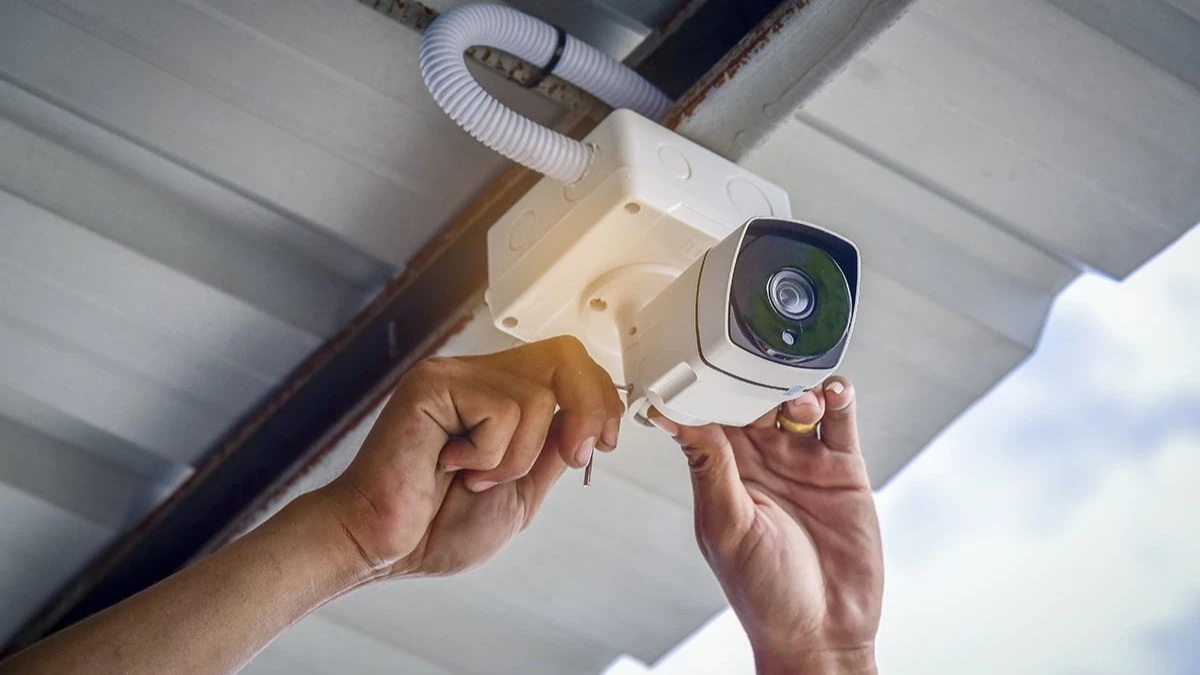
1. Assess Your Home Security Needs Before Buying Cameras
The first step in setting up CCTV cameras is understanding what you want to protect. Every home has different security requirements. A small apartment may need only a few carefully positioned cameras, while a large compound may require cameras around several buildings, entrances, and outdoor areas.
Walk around your property and identify locations where someone could enter without being easily noticed. Consider the areas you cannot see clearly from inside the house and any places where valuable property is kept. For many Kenyan homes, these areas include the main gate, front door, back door, parking area, perimeter wall, garage, and external doors leading into the house.
You should also consider whether you need to monitor domestic staff entrances, delivery areas, or an outdoor store. Make a list of these locations before shopping. This helps you avoid buying cameras you do not need while ensuring important areas are not left uncovered.
2. Choose the Best Locations for CCTV Cameras
Camera placement is one of the most important parts of a successful CCTV installation. A good camera installed in the wrong position may provide little useful evidence. Your cameras should capture the areas where activity matters most without being blocked by walls, trees, roof edges, or other obstacles.
Main gate and entrance
The main gate is often one of the first areas to consider. A camera can help you observe people entering and leaving your compound. Where identification is important, position the camera so faces can be captured clearly rather than recording only the tops of people’s heads or distant figures.
Front and back doors
Doors are important because they provide direct access to the house. Cameras covering these locations can help record visitors and activity around the entrances. Avoid pointing a camera too high or too far away if you need recognisable facial footage.
Parking area and garage
If you keep a vehicle on your property, consider covering the parking area. A camera may help record movement around vehicles and identify activity near the garage. Make sure headlights, bright outdoor lights, and strong reflections do not overwhelm the camera image at night.
Perimeter wall and side passages
Some homes have narrow passages along the sides of buildings or sections of the compound that are difficult to see from the main entrance. These areas may benefit from additional coverage, especially if they provide access to windows or rear doors. For a large property, avoid placing all cameras around the front of the house while leaving the back and sides unmonitored.
3. How Many CCTV Cameras Does a Home Need?
There is no fixed number of cameras suitable for every home. The correct number depends on the size of the property, the number of entrances, the layout of the buildings, and the level of detail you need. A small apartment may need one or two cameras covering its entrance and another important area, subject to building rules and privacy considerations.
A typical standalone home may need several cameras to cover the gate, front entrance, parking area, and rear access points. A large compound with separate buildings, a garage and a long perimeter may require additional cameras or a combination of fixed cameras and other security measures.
The important question is not simply how many cameras you can afford. It is whether each camera has a clear purpose. Draw a simple layout of your property and mark where you want each camera to point. This will help you identify gaps before purchasing equipment.
4. Choose Between Wired CCTV and Wi Fi Cameras
One of the main decisions when setting up CCTV cameras for home security is whether to use a wired system or wireless cameras. Both options can work well, but they suit different properties and installation requirements.
Wired CCTV cameras
Traditional wired systems usually connect cameras to a recorder using coaxial cable or network cable, depending on the technology. An analogue HD system commonly uses a DVR, while an IP camera system commonly uses an NVR. IP cameras can also connect through a suitable network and may support Power over Ethernet, commonly called PoE.
Wired systems are often suitable for permanent installations where reliable connections and centralised recording are important. They can be particularly useful for standalone homes, larger compounds and properties where cables can be installed neatly. The main consideration is installation. Running cables through walls, ceilings or underground routes can require additional labour and materials.
Wi Fi CCTV cameras
Wi Fi cameras transmit video over a wireless network. Many models connect to a mobile application, allowing authorised users to view footage remotely. They can be useful for apartments, rental properties and locations where installing long cables would be difficult.
However, a Wi Fi camera still needs power unless it is designed to operate on a battery or another independent power source. It also needs a reliable connection for the functions that depend on the network. Some Wi Fi cameras record locally even when the internet is unavailable, but this depends on the model and configuration.
Which option is better?
Choose wired CCTV when you need a permanent installation with dependable connections and central recording. Choose Wi Fi cameras when flexibility and simpler installation are priorities. For larger properties, a wired IP system with PoE may offer a good balance of reliability, image quality, and manageable cabling.
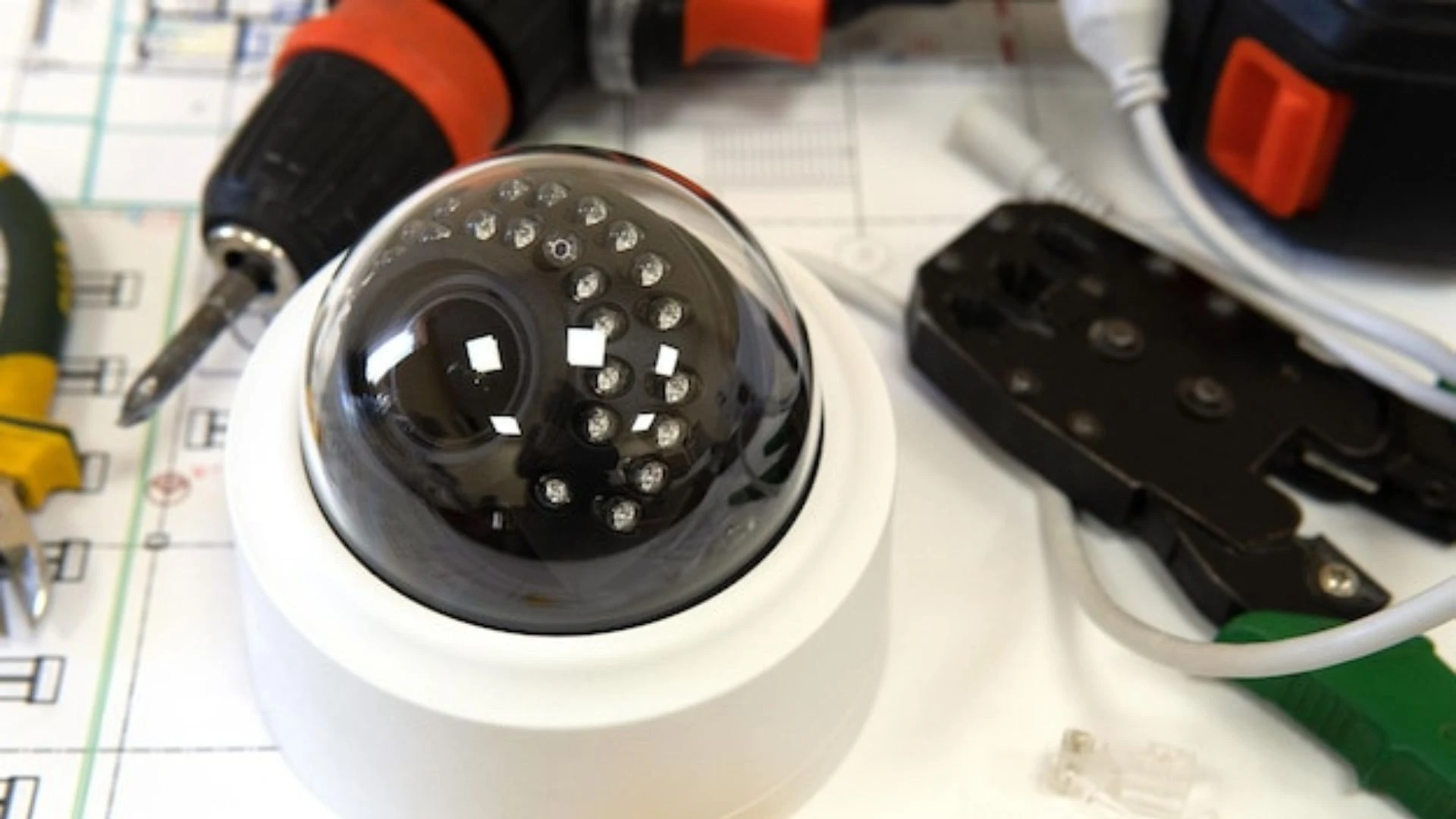
5. Understand CCTV Camera Types
Different camera designs serve different purposes. Choosing the correct type helps you get better coverage without spending unnecessarily.
Dome cameras
Dome cameras are commonly used indoors and in some protected outdoor locations. Their compact design can make them suitable for corridors, entrances, and covered areas.
Bullet cameras
Bullet cameras are often used outdoors because their shape makes the direction of view more apparent. They can be suitable for gates, driveways, and perimeter areas.
Turret cameras
Turret cameras are popular for home security because they offer flexible positioning and can be easier to adjust during installation. Many models also provide good night vision.
PTZ cameras
PTZ means pan, tilt, and zoom. These cameras can move and zoom to observe different areas. They can be useful for some large compounds, but a single moving camera cannot continuously observe every direction at the same time. Several fixed cameras may provide more consistent coverage of important entrances. Choose a camera based on the location, field of view, lighting conditions, and detail required rather than appearance alone.
6. Choose the Right CCTV Resolution
Camera resolution affects how much detail an image can capture. Common options include 2 MP cameras, often marketed as 1080p, and higher resolution models such as 4 MP, 5 MP, and 8 MP. Higher resolution can help capture more detail, particularly when viewing a larger area. However, resolution alone does not guarantee clear footage.
Lens quality, lighting, camera placement, movement, and compression also affect the result. For example, a high-resolution camera positioned too far from the gate may still struggle to capture a person’s face clearly. A lower resolution camera positioned correctly over a doorway may provide more useful identification footage.
For a typical home, choose a resolution that suits the distance and the importance of the area being monitored. If you need to identify people or read details at a gate, pay attention to the camera’s field of view and how much of the image is occupied by the subject.
7. Make Sure Your Cameras Have Good Night Vision
Home security does not stop after sunset. Many incidents can occur in low light, making night vision an important feature when choosing outdoor cameras. Most CCTV cameras use infrared illumination, low-light imaging, or a combination of technologies to capture footage at night.
Infrared cameras usually produce black and white night footage. Some colour night vision cameras use available light or built-in white lights to produce colour images. Before buying, consider how dark your compound becomes at night and whether there are streetlights, security lights or other sources of illumination nearby.
For outdoor cameras, check the actual night vision performance and suitable operating distance rather than relying only on the manufacturer’s headline specification. Also consider whether the camera’s infrared light will reflect off nearby walls, glass or other surfaces. Such reflections can make night footage appear hazy. A well-positioned security light can sometimes improve footage significantly.
8. Choose Cameras That Can Withstand Kenyan Weather
Outdoor CCTV cameras must be suitable for the conditions in which they will operate. In Kenya, an outdoor installation may face strong sunlight, dust, heavy rain, wind, and changes in temperature. A camera installed under a roof may have different requirements from one exposed directly to the weather.
Check the camera’s IP rating. For example, an IP66-rated enclosure is designed to provide strong protection against dust and water jets under specified test conditions. It does not mean that the camera can be submerged in water. Use weather-suitable connectors, cable glands and mounting accessories. Poorly protected connections can allow moisture to enter and cause intermittent faults.
For cameras installed in exposed areas, consider the direction of rainfall, roof drainage, and direct sunlight. A durable camera is only part of the solution. Correct installation and protection of the connections also matter.
9. Decide How Your CCTV Footage Will Be Recorded
A camera that shows a live picture but does not save footage may not meet your security needs. Before buying a system, decide where recordings will be stored and how long you want to keep them.
DVR recording
A digital video recorder is commonly used with compatible analogue CCTV cameras. It receives video from the cameras and stores recordings on an installed hard drive.
NVR recording
A network video recorder is commonly used with IP cameras. Depending on the system, cameras may connect through a PoE network switch or directly to PoE ports on the recorder. An NVR can be suitable for homes that need several network cameras and centralised recording.
Memory card recording
Some cameras support microSD card recording. This can be convenient for a small installation without a separate recorder. However, a memory card has limited capacity, and recordings may be overwritten when the storage becomes full. Check whether the camera continues recording during internet interruptions.
Cloud recording
Some camera manufacturers offer cloud recording through a subscription service. Cloud storage can help preserve footage away from the property, but availability, subscription costs, internet requirements, and data storage terms vary by provider. For many permanent home installations, a recorder with a suitable surveillance hard drive provides a practical central recording solution.
10. How Much Storage Do CCTV Cameras Need?
The amount of storage required depends on the number of cameras, video resolution, frame rate, compression, recording schedule, and how many days of footage you want to retain. A system recording continuously will generally use more storage than one recording only when motion is detected.
As an illustration, a camera recording at an average bitrate of 2 Mbps uses approximately 21.6 GB of storage per day. Four cameras at that bitrate would use about 86.4 GB per day, or roughly 605 GB over seven days, before allowing for system overhead and differences in actual recording rates. These figures are estimates, not guarantees. Actual storage consumption can vary considerably.
When planning a system, calculate storage using the camera specifications and intended recording settings. Choose a hard drive designed for surveillance recording rather than assuming every computer hard drive is equally suitable. If retaining footage for several weeks is important, confirm that the recorder and drive have enough capacity for the required period.
11. Should You Use Motion Detection or Continuous Recording?
Most modern CCTV systems offer different recording modes. Continuous recording saves video throughout the day and night. It can be useful when you need a complete record of activity, including events that occur before motion is detected. Motion-based recording saves footage when the camera detects movement. It can reduce storage use and make reviewing recordings easier.
However, motion detection may trigger because of moving trees, insects, headlights, or changes in lighting. Poor settings can also cause the system to miss relevant activity. For important entrances, continuous recording may be preferable where storage allows. For less critical areas, motion-based recording may be sufficient.
Some systems support scheduled recording, allowing you to configure different modes for different cameras. Test the settings after installation to ensure that genuine activity is captured reliably.
12. Can You View CCTV Cameras on Your Phone?
Yes. Many modern CCTV systems allow authorised users to view live video and recorded footage through a smartphone application. This can be helpful when you are at work, travelling, or managing a property from another location. Depending on the system, you may be able to:
- View live camera feeds.
- Receive motion alerts.
- Play back recorded footage.
- Save selected clips.
- Share access with authorised family members.
Remote viewing normally requires the recorder or camera to be configured for secure remote access and connected to a suitable network. Your phone also needs an internet connection when you are away from home. Before purchasing, check that the system supports your phone, provides the features you need, and has a reliable application. Do not assume that every camera advertised as smart offers the same remote viewing or recording functions.
13. Does CCTV Work Without Internet?
CCTV can work without an internet connection, provided the equipment has the necessary local connections and power. A wired CCTV system with a DVR or NVR can continue recording locally even when the internet is unavailable. Many Wi Fi cameras can also record to a memory card or another local storage device, depending on their design.
However, remote viewing, cloud recording, and some notifications may stop working when the internet is disconnected. This distinction is important for Kenyan homes where internet service may occasionally be interrupted.
If recording is your main priority, choose a system that stores footage locally and test that it continues recording during an internet outage. If remote access is essential, consider how you will maintain internet connectivity.
14. Protect Your CCTV System From Power Interruptions
A CCTV system needs power to operate. If electricity fails, cameras and recorders without backup power may stop recording. A suitable UPS can provide temporary power to compatible equipment, including the recorder, network switch, and router where necessary.
Calculate the combined power requirements before choosing a UPS. The runtime depends on the load, battery condition and the capacity of the unit. For longer outages, additional power solutions may be required.
Battery-powered cameras can be useful in selected locations, but check battery life, charging requirements, and whether the camera records continuously or mainly when motion is detected. In exposed installations, use properly installed surge protection and suitable electrical protection. Outdoor cabling should be installed safely and in accordance with applicable electrical requirements.
15. Secure Your CCTV Cameras From Unauthorised Access
CCTV footage can contain sensitive information about your family, visitors, employees and property. Securing the system is therefore essential. Start by changing default passwords and creating strong, unique credentials for the camera system.
Other useful measures include:
- Keep camera and recorder firmware updated.
- Use a secure Wi Fi password.
- Enable two-factor authentication if supported.
- Limit remote access to trusted users.
- Remove access for people who no longer need it.
- Use secure manufacturer-supported remote access methods.
- Avoid exposing recorder administration services directly to the internet.
- Review access settings regularly.
For a networked system, consider placing cameras on a separate network or network segment where practical. If you use a third-party installer, ask them to transfer full administrative control to you and explain how to manage user accounts securely.
16. Respect Privacy When Installing CCTV at Home
Home security cameras should be positioned responsibly. Focus on your own entrances, compound, parking area, and other locations you are authorised to monitor. Avoid pointing cameras into neighbours’ bedrooms, bathrooms or private living spaces. If a camera can capture activity beyond your property, adjust the viewing angle or use privacy masking features where available.
For shared residential buildings, apartments and gated communities, check applicable building rules and obtain the necessary permissions before installing cameras in common areas. Where a CCTV system captures identifiable people, privacy and data protection obligations may apply. Consider how footage is accessed, stored, shared and retained, especially if the system also monitors workers, tenants or visitors. Do not share security footage publicly without considering privacy, safety and applicable legal requirements.
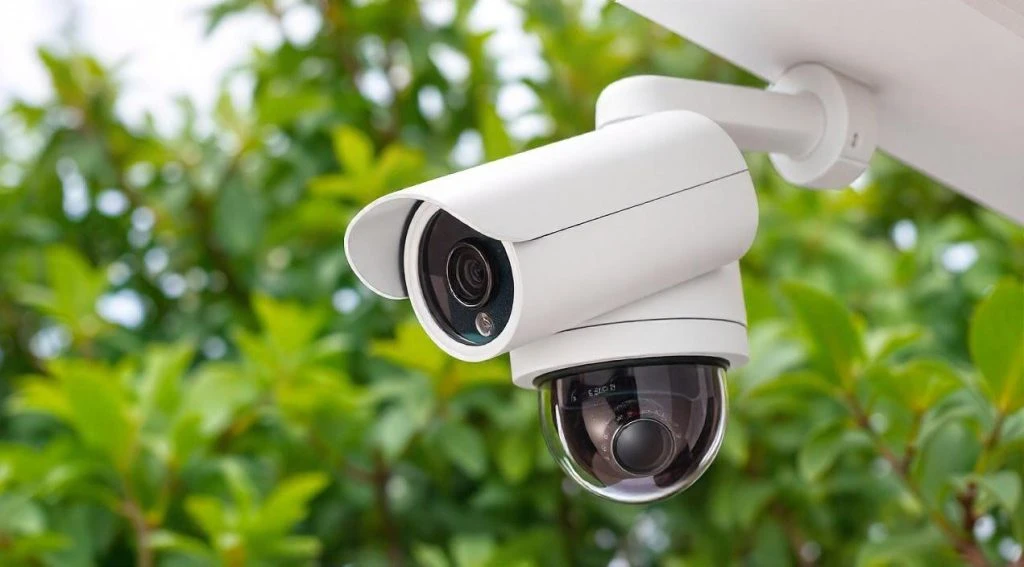
17. Should You Install CCTV Yourself or Hire a Professional?
A simple wireless camera may be suitable for self-installation if the manufacturer provides clear instructions and you can position it safely. A larger system involving several outdoor cameras, long cable runs, a recorder, network equipment and backup power may benefit from professional installation. A professional installer can help determine camera locations, cable routes, storage requirements and network configuration.
They can also test night vision, remote viewing, motion detection and recording. Before paying for installation, ask for a clear breakdown of the equipment, labour, cabling and any additional materials. Confirm whether the quotation includes configuration, testing and basic user training. If cameras need to be mounted high on walls or near electrical installations, use appropriate safety precautions and qualified personnel where required.
18. Common CCTV Installation Mistakes to Avoid
Several common mistakes can reduce the effectiveness of a home security system.
Buying cameras before planning coverage. You may end up with several cameras facing the same area while important entrances remain uncovered.
Ignoring night vision. A camera that performs well during the day may provide poor footage after dark.
Choosing storage that is too small. Recordings may be overwritten before you have a chance to review them.
Relying entirely on Wi Fi signal strength. A camera may lose connection if the network does not cover the installation location reliably.
Ignoring power backup. The system may stop recording during an electricity interruption.
Using weak passwords. Poor security can expose cameras and recordings to unauthorised access.
Installing cameras too high or too far away. A wide view of the compound may not provide enough detail to identify a person.
Failing to test the system. Incorrect recording settings, blocked views, and poor night footage may remain unnoticed until an incident occurs.
A final inspection should confirm that every camera captures its intended area and that recordings can be retrieved successfully.
19. A Practical CCTV Setup for Different Kenyan Homes
The best system depends on your property and security priorities.
| Property type | Suggested approach |
|---|---|
| Small apartment | One or more suitable cameras covering authorised entrance areas |
| Standalone family home | Cameras covering the gate, main entrance, parking and rear access |
| Large compound | Multiple cameras, planned coverage and a central recording system |
| Rental property | Suitable cameras with secure access controls and attention to privacy |
| Home with a garage or store | Additional coverage of important external doors and storage areas |
| Home with unreliable internet | Local recording with optional remote access when connectivity is available |
These are starting points rather than fixed specifications. The final number and type of cameras should be determined by the property layout and the detail required.
20. What Should You Check Before Buying CCTV Equipment?
Before purchasing, confirm that the system includes everything needed for your installation.
Your checklist should cover:
- Number of cameras required.
- Indoor or outdoor installation.
- Camera resolution and field of view.
- Night vision performance.
- Weather protection for outdoor cameras.
- Wired, Wi-Fi, or PoE connectivity.
- DVR, NVR, or other recording method.
- Compatible surveillance hard drive or memory card.
- Required recording retention period.
- Mobile phone access and application compatibility.
- Power supplies, cables and mounting accessories.
- Backup power and surge protection where necessary.
- Installation, configuration and user training.
Also confirm warranty terms and whether replacement parts or technical support are available. Do not compare systems on camera count alone. A complete, reliable setup is more valuable than a larger package that lacks suitable storage, cabling or power protection.
Final Advice
Setting up CCTV cameras for home security in Kenya starts with understanding your property and identifying the areas that need protection. From there, choose cameras that provide clear images, work reliably at night, and suit the environment in which they will be installed.
Plan your recording storage, secure remote access, and consider backup power if uninterrupted monitoring is important. Most importantly, test the complete system before relying on it to protect your home.
You do not need to buy the most expensive CCTV package available. You need a system that covers the right areas, records dependable footage, and fits your security requirements and budget.
If you need help choosing CCTV cameras, recording equipment, storage devices, networking equipment or other security technology for your home or business, contact us for assistance based on your requirements and budget.
WhatsApp / Phone: 0745108788
Email: info@vinarq.co.ke